
21 Days: Habit Builder
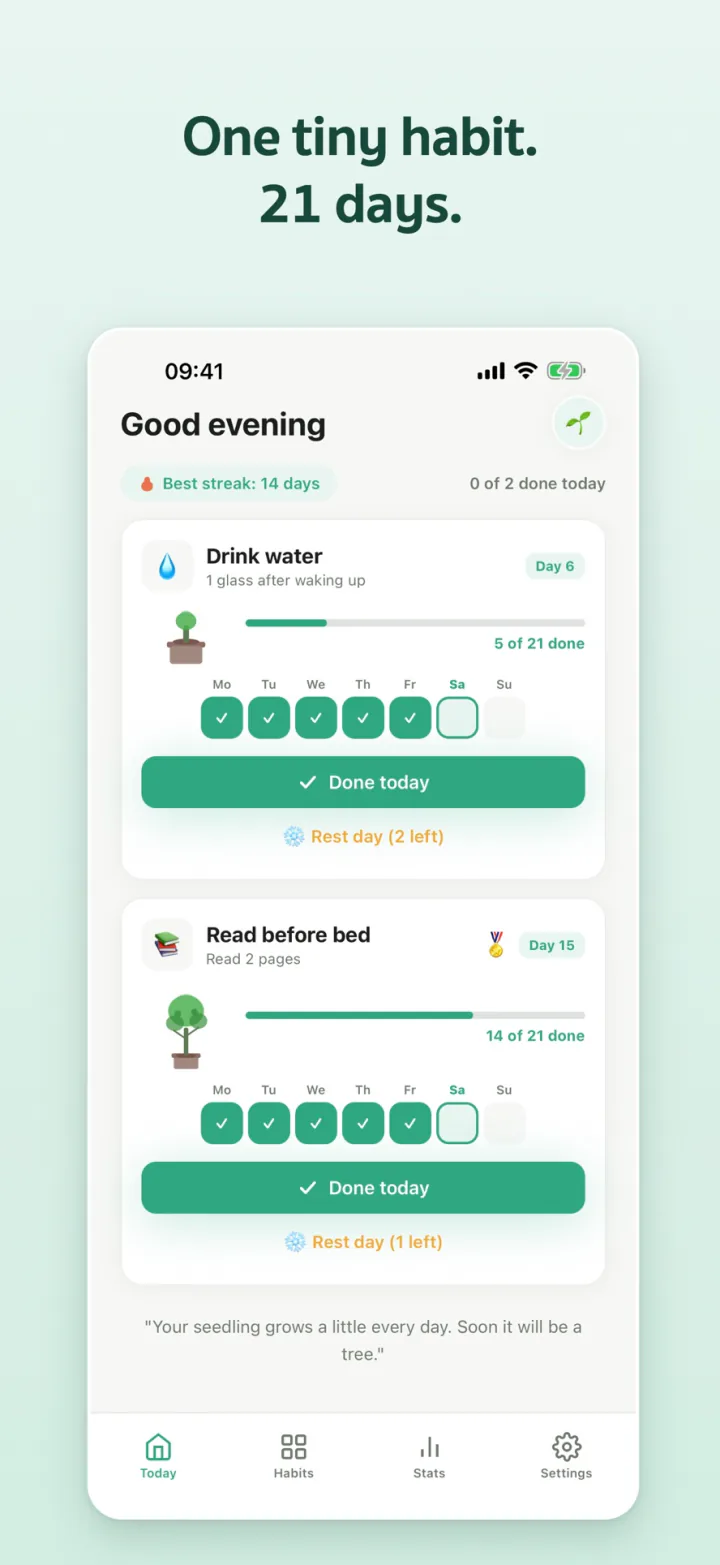
One tiny habit. 21 days.
Start with about 2 minutes a day and see it through to day 21.

About
Big goals are easy to drop. 21 Days starts you with a tiny action you'll actually do, about 2 minutes a day. Check in once a day and watch a seedling grow into a tree along with your new habit.
21 days is short enough to start without pressure and long enough to feel the habit settle into your life. Take a rest day when you need one, and if you forgot yesterday, you can still check it in.
Features
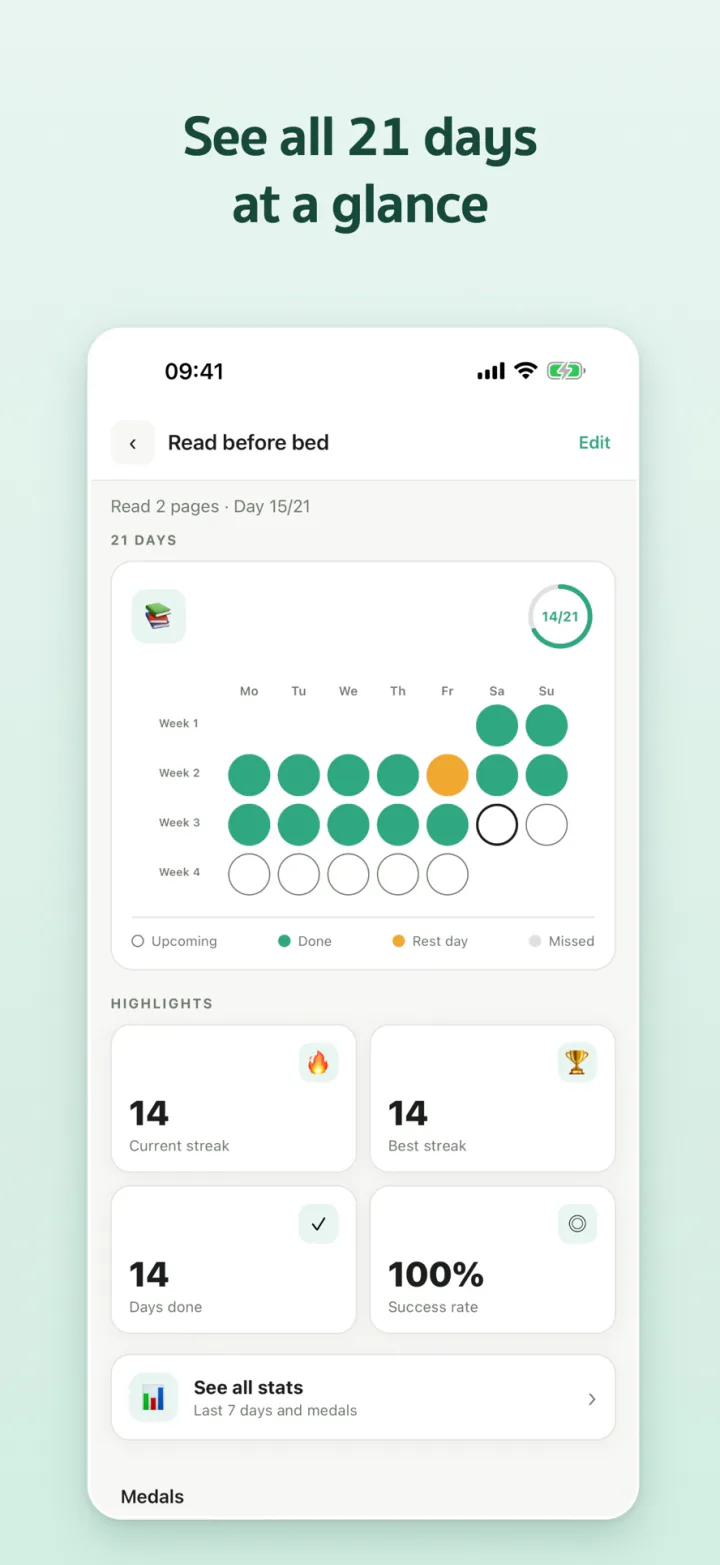
- Check in once a day, with the whole 21-day run on one calendar
- 2 rest days per run, without losing your streak
- Forgot yesterday? Check it in today
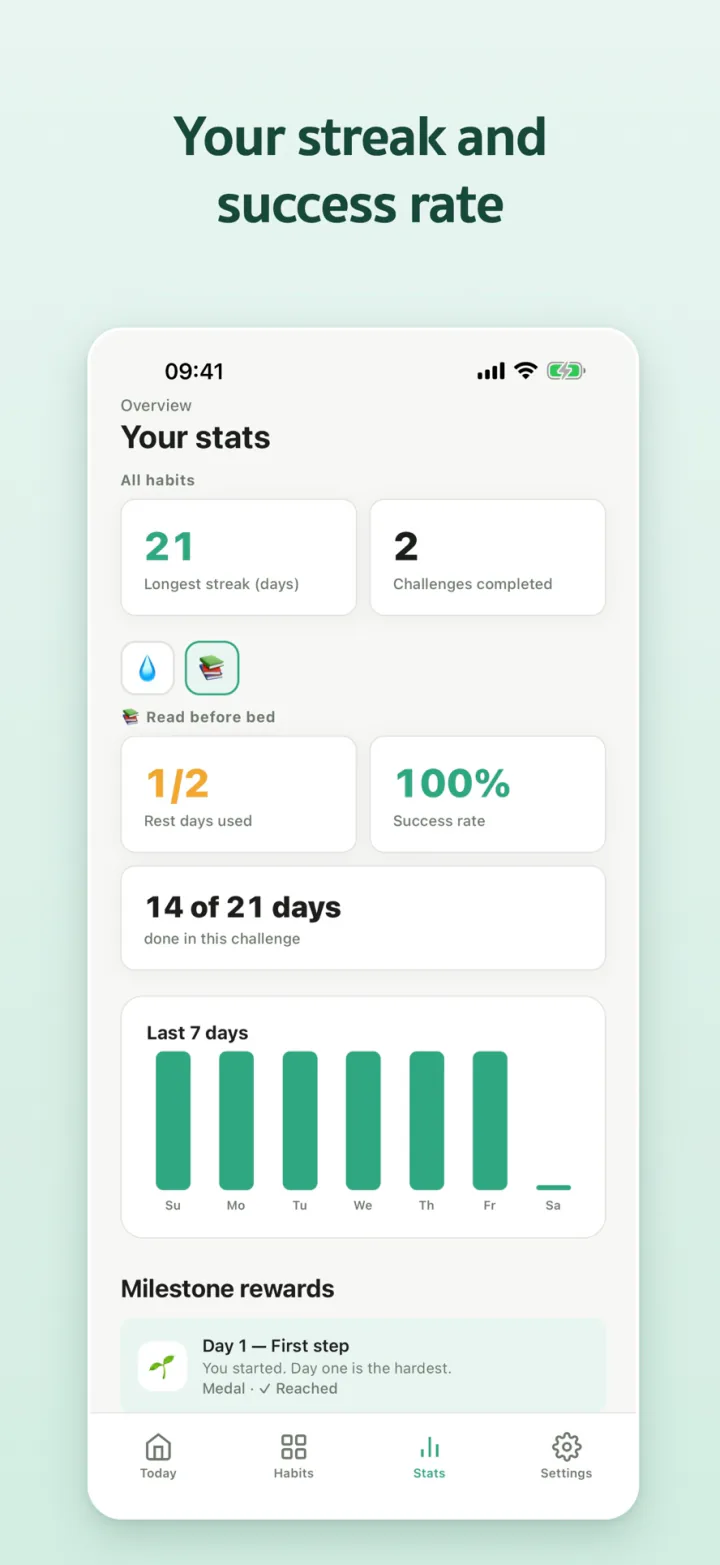
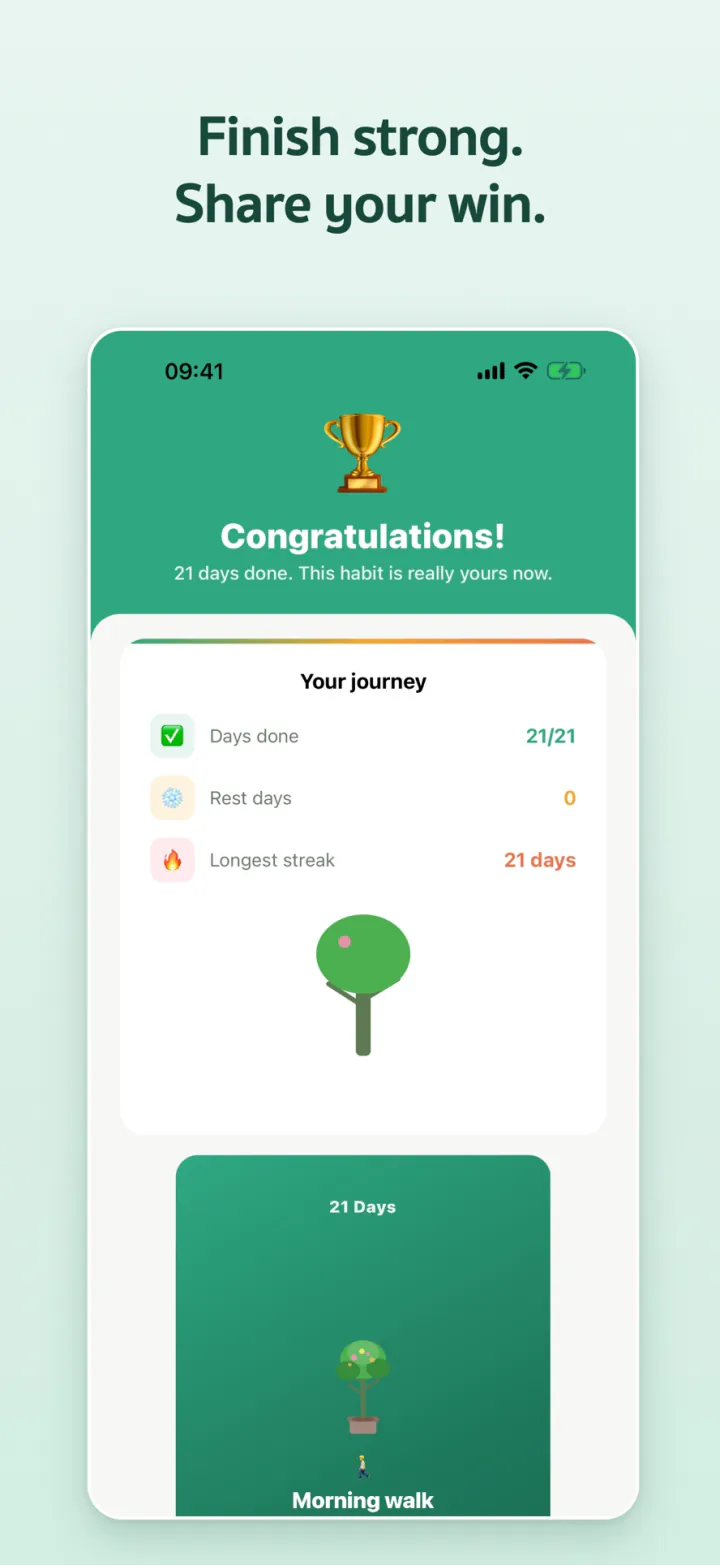
- Medals on days 7, 14 and 21, and a share card when you finish
- Stats: current and best streak, success rate, last 7 days
- Morning and evening reminders at times you choose
Privacy
- Your habits stay on your iPhone. No account needed.
- No ads
- In English and Thai
Free and Premium
| Feature | Free | Premium |
|---|---|---|
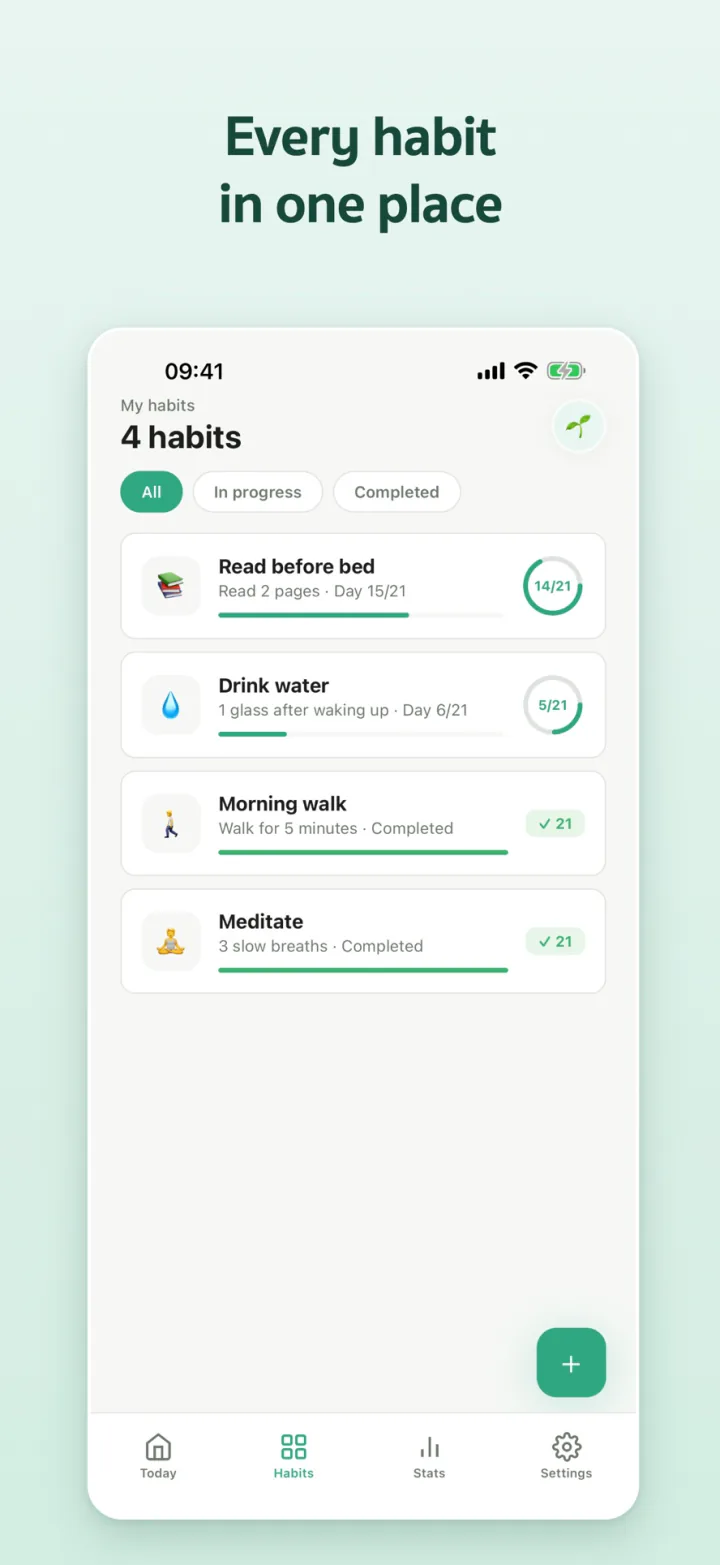
| Habits in progress at once | 2 | 10 |
| Check-ins, rest days and late check-ins | ✓ | ✓ |
| Stats and medals | ✓ | ✓ |
| A reminder time for each habit | – | ✓ |
| Home Screen widgets | – | ✓ |
Finished habits don't count toward the limit. Premium renews automatically through your Apple ID and you can cancel any time. If it lapses, all your data stays.
FAQ
Where is my habit data stored? Will I lose it if I change phones?
Your habits are stored on your iPhone and you don't need an account. They move with your iPhone backup and transfer, but they don't sync between devices.
What happens if I miss a day?
You can still check in yesterday, or use a rest day. You get 2 per run, they count toward your 21 days and don't break your streak. If a run doesn't work out, you can start a new one right away.
Which languages does the app support?
English and Thai. The app follows your iPhone's language, and you can change it in Settings > Language.
How do I cancel Premium?
Cancel any time in your Apple ID settings under Subscriptions. If you reinstall the app or switch phones, Premium comes back on its own, or you can tap Restore Purchases in the app's Settings.
Get it on iPhone
Free on the App Store. Upgrade to Premium when you want more habits at once and widgets.