
SubSook
Track subscriptions and bills
Know what's about to charge you, every time.

About
Not sure how much your subscriptions cost this month? Forgot to cancel a free trial before it charged you, or missed a utility bill and paid a late fee? SubSook keeps every subscription, recurring bill and installment plan in one place, and reminds you before you're charged.
No account. No sign-in. No cloud. Everything stays on your device.
Know what's coming
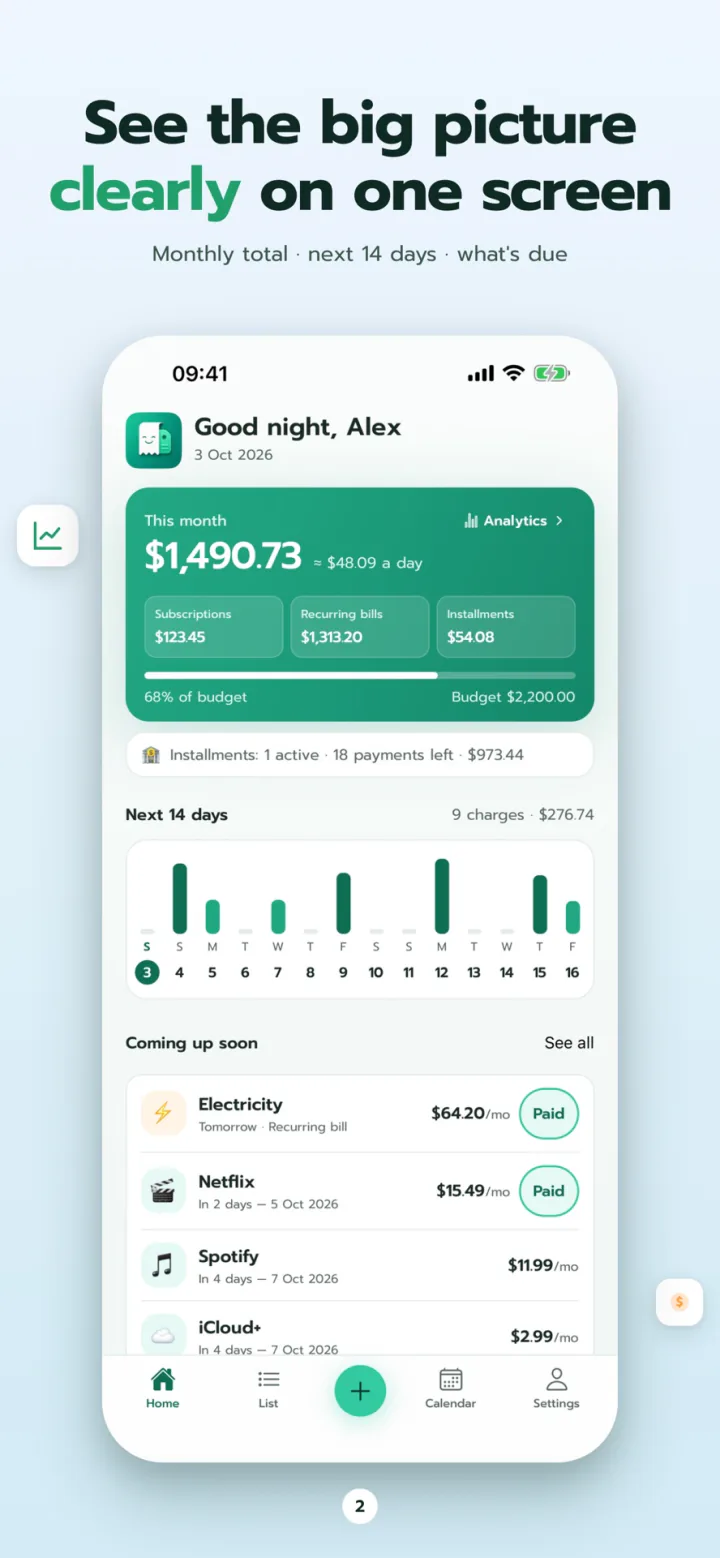
- This month's total and what's due next, on one screen
- A 14-day strip shows which days money goes out
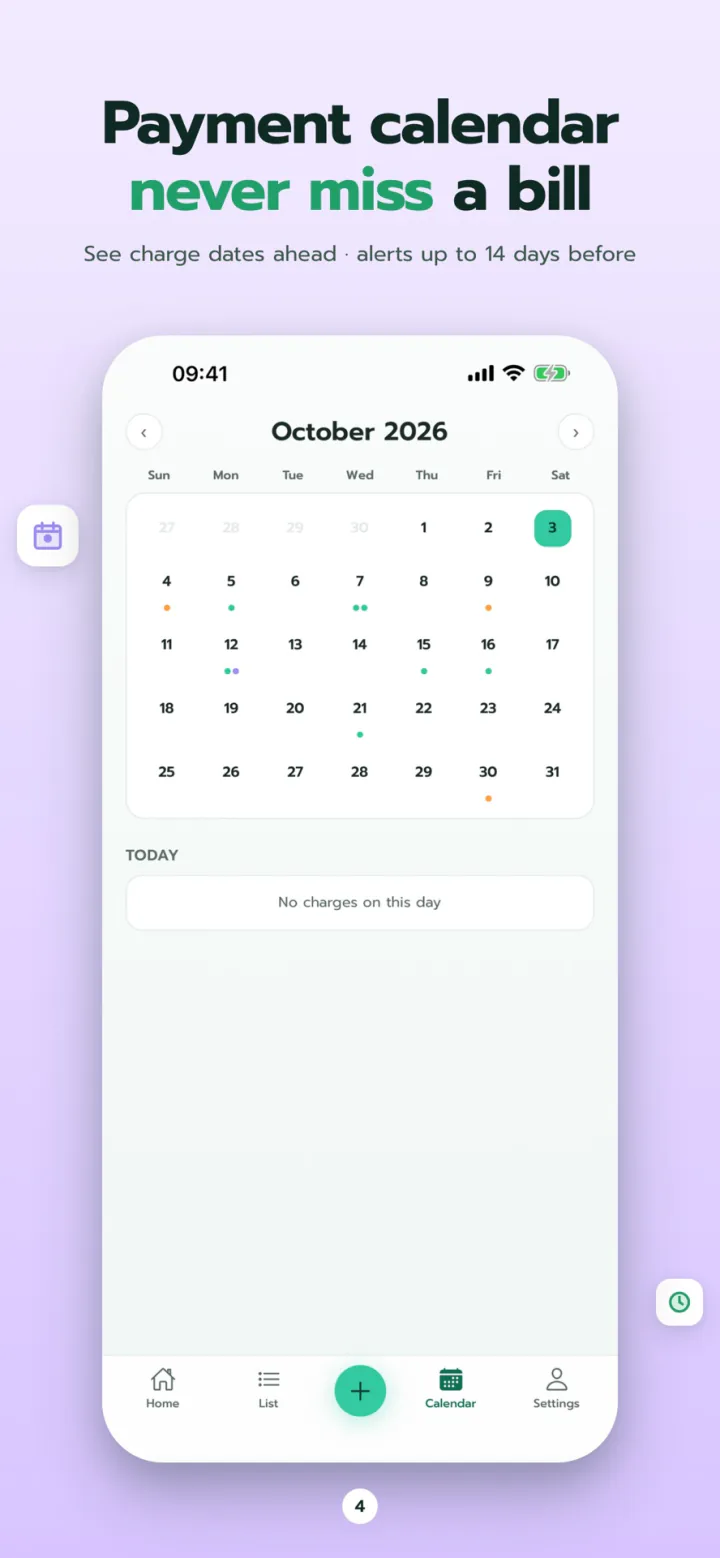
- A calendar of every upcoming charge
- Reminders 3, 7 or 14 days ahead, plus free-trial alerts
- A monthly budget, with a warning when you go over
Every payment in one place
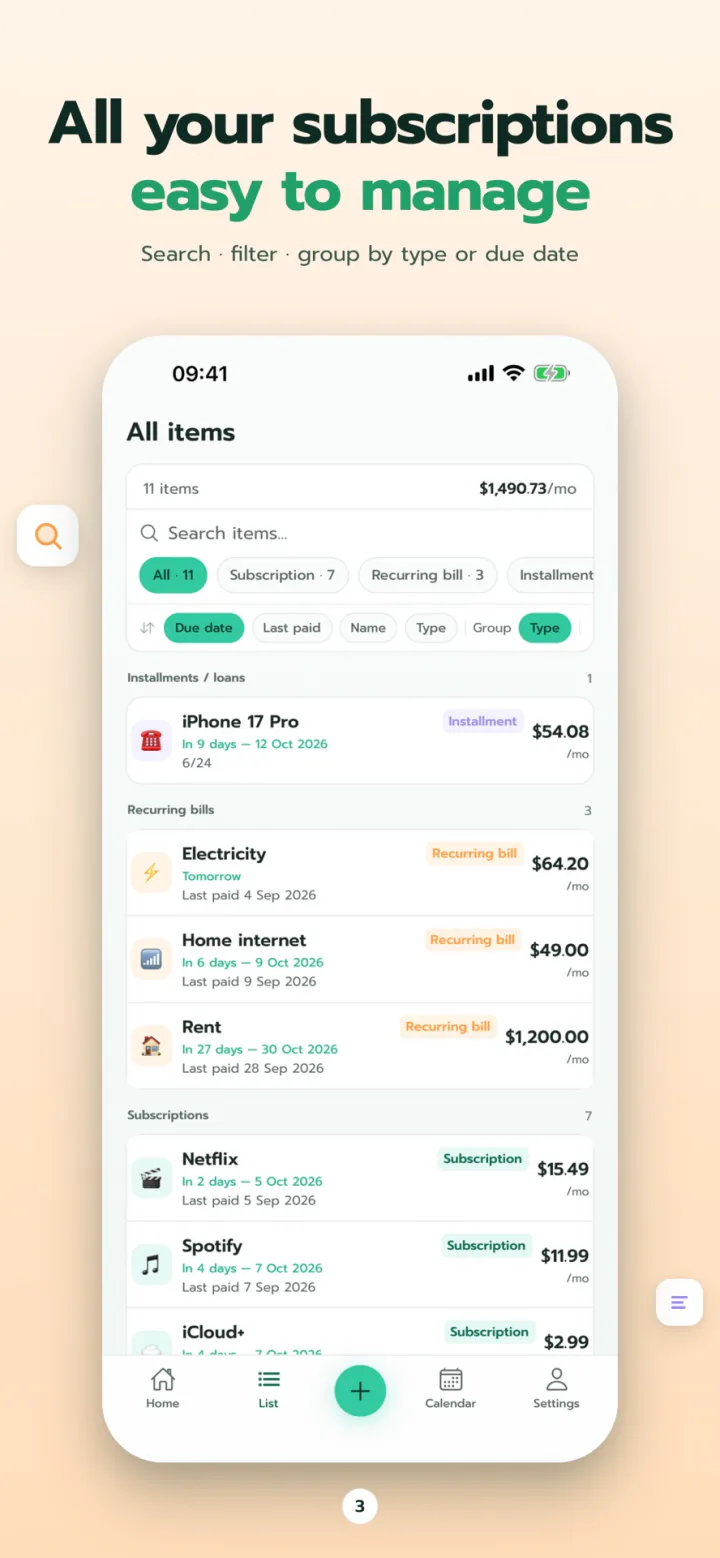
- Subscriptions, recurring bills and installments, with installment progress
- Mark items paid right from the notification, with a payment history
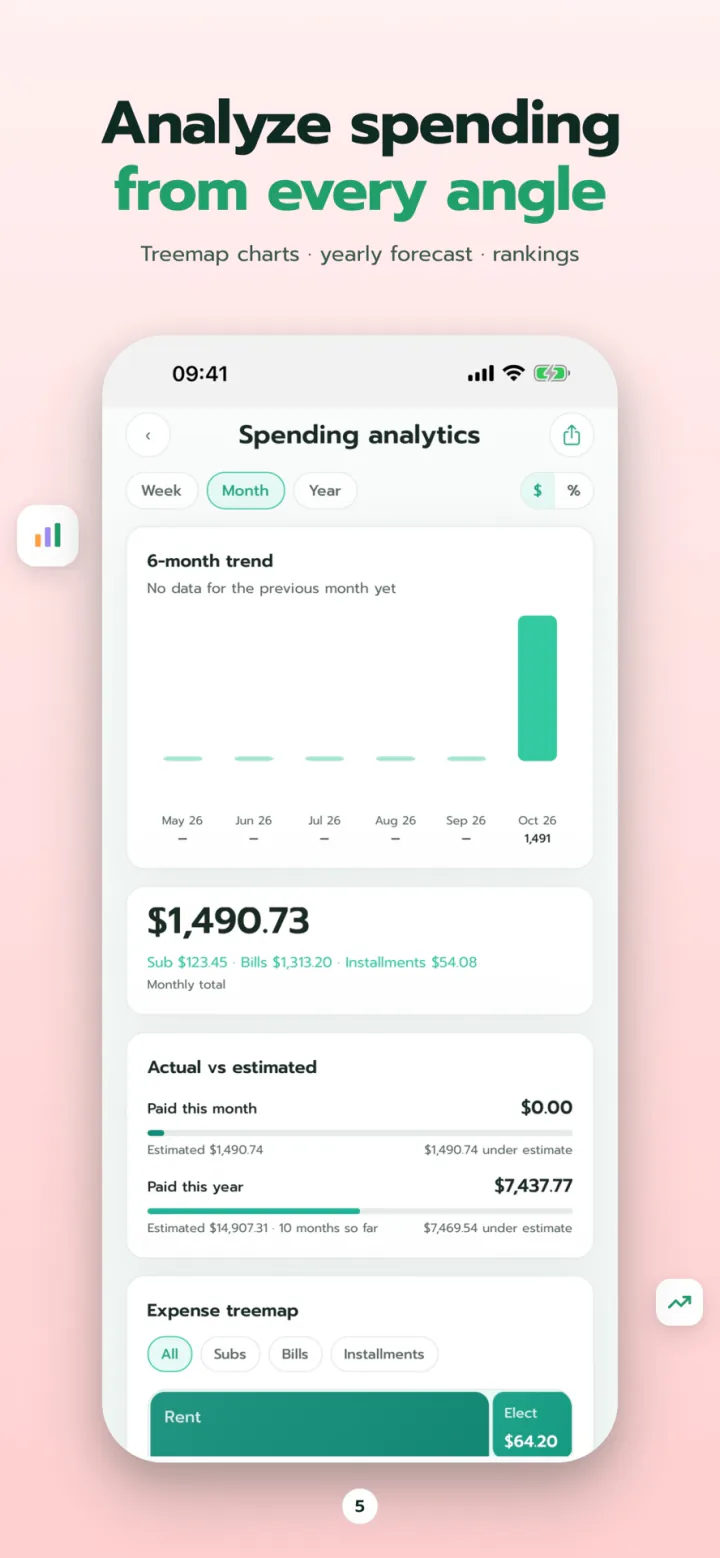
- Spot duplicate services, unused subscriptions and price increases
- 16 currencies with automatic conversion
- Face ID / Touch ID lock and daily automatic backups
Free and Premium
| Feature | Free | Premium |
|---|---|---|
| Active items | 10 | 100 |
| Reminders, calendar and monthly budget | ✓ | ✓ |
| Backups and Face ID | ✓ | ✓ |
| PDF, CSV, annual report and calendar exports | – | ✓ |
| Advanced notification rules | – | ✓ |
| Home Screen widgets | – | ✓ |
Premium renews automatically through your Apple ID and you can cancel any time. If it lapses, all your data stays.
FAQ
Do I need an account? Where is my data stored?
No account and no sign-in. All your data lives in the app on your device. Nothing is uploaded to a cloud.
How do I move my data to a new phone?
The app backs up automatically every day. On your old phone, go to Settings > Backup & restore and share the backup file, then choose "Restore from file" on the new phone. It's free for everyone.
Can I use currencies other than baht?
Yes. SubSook supports 16 currencies, including USD, EUR, GBP, JPY and THB, and converts everything to your display currency automatically.
How do I cancel Premium?
Cancel any time in your Apple ID settings under Subscriptions. If it lapses, all your data stays.
Get it on iPhone
Free on the App Store. Upgrade to Premium to track more than 10 items or export reports.